QR codes have become a familiar part of everyday life, but they’re useful for much more than restaurant menus. For businesses, a QR code can provide a quick connection between something a customer sees in the real world and the information or action you want them to take online.
The key is to give people a good reason to scan — and make sure the QR code takes them somewhere useful.
5 Practical Ways Businesses Can Use QR Codes
1. Make It Easy to Leave a Review
Give happy customers a simple way to find your review page by placing a QR code on a receipt, counter sign, handout, packaging, or follow-up materials. A clear message such as “Scan to leave us a review” tells customers exactly what to do.
QR codes can also be connected to other customer follow-up activities, including forms and messaging workflows.
2. Send People to Your Website
A QR code can turn printed materials into a direct path to your website. Add one to business cards, brochures, signs, product packaging, vehicle graphics, mailers, trade show materials, or other places where customers may encounter your business.
Rather than simply linking to your homepage, consider sending visitors to the page that is most relevant to what they are holding or looking at — such as a service page, contact form, product page, or special offer.
3. Make It Easy to Take the Next Step
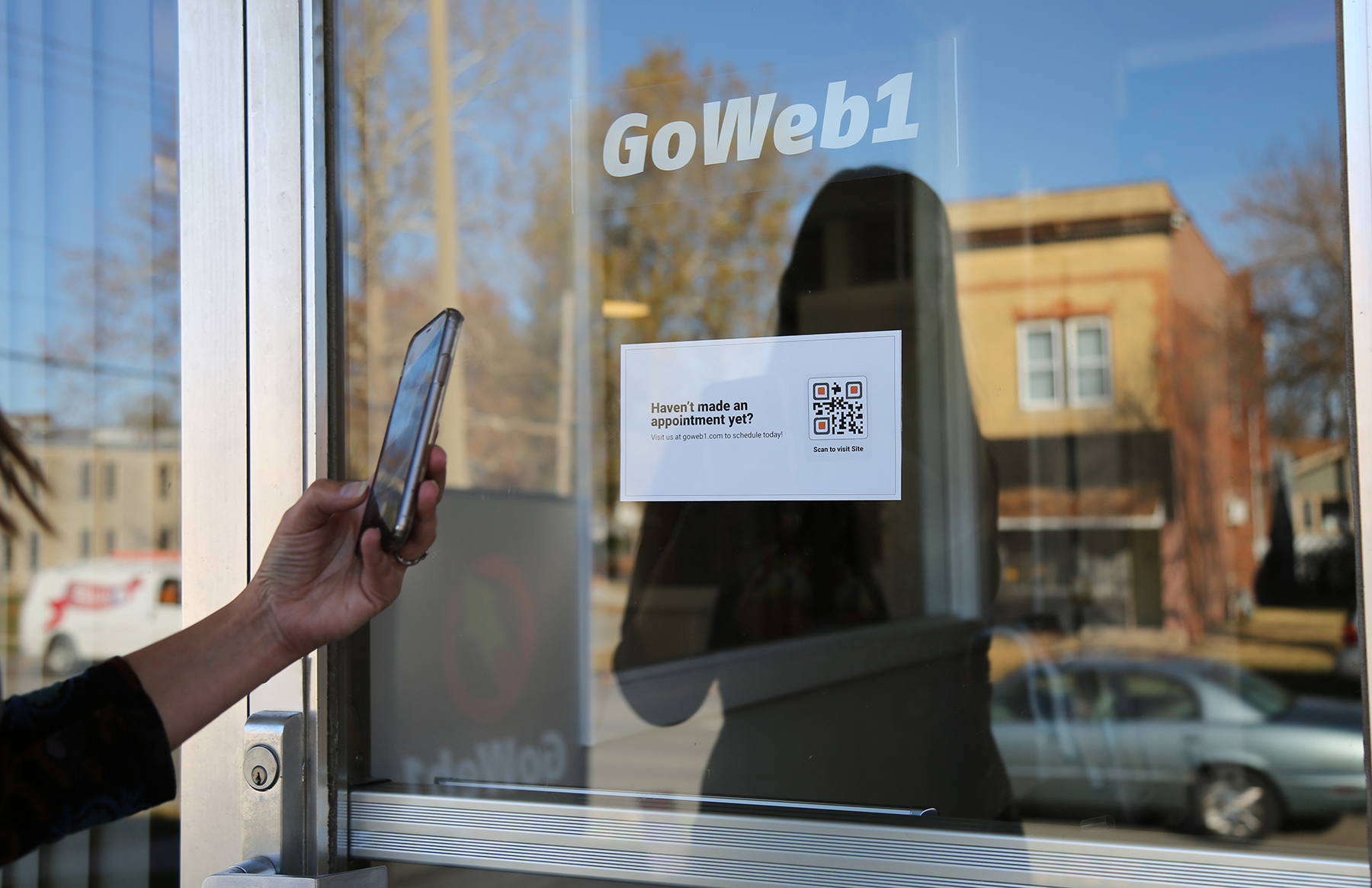
QR codes work especially well when they remove a step from the customer experience. You can use one to direct people to an appointment request, registration form, contact form, online order, event information, or another specific action.
Think about what you want someone to do after scanning and make that action as straightforward as possible.
4. Connect Customers to Video
Video can be a great way to explain a product, demonstrate how something works, introduce your team, or give customers a better feel for your business.
A QR code on a printed piece or product can give customers an easy way to access that video from their phone without having to type in a web address.
5. Help People Find You
If customers need to visit your location, a QR code can link directly to a map or directions. This can be especially helpful for a new business, a recently relocated business, an event held at a different location, or a business with an entrance that isn't immediately obvious.
A Few QR Code Tips
Give people a reason to scan. “Scan here” isn't nearly as helpful as “Scan to schedule an appointment” or “Scan to see our menu.”
Choose the destination carefully. Make sure the page is mobile-friendly and directly related to the message next to the QR code.
Test before you print. Scan the code from different distances and with different phones to make sure it works reliably.
Don't make it too small. A QR code needs enough space and contrast for a phone camera to recognize it easily.
Keep the experience simple. If someone scans a code and then has to search through your website to find what they were promised, you've added unnecessary friction.
Ready to Put QR Codes to Work?
From website design and online forms to printed materials and customer follow-up, GoWeb1 can help you create a connected experience between your offline and online marketing.
If you're wondering where a QR code could fit into your website, signage, printed materials, or customer communications, contact GoWeb1 and let's talk about it.
Originally published: 2020 · Last updated: September 2026